 Unclock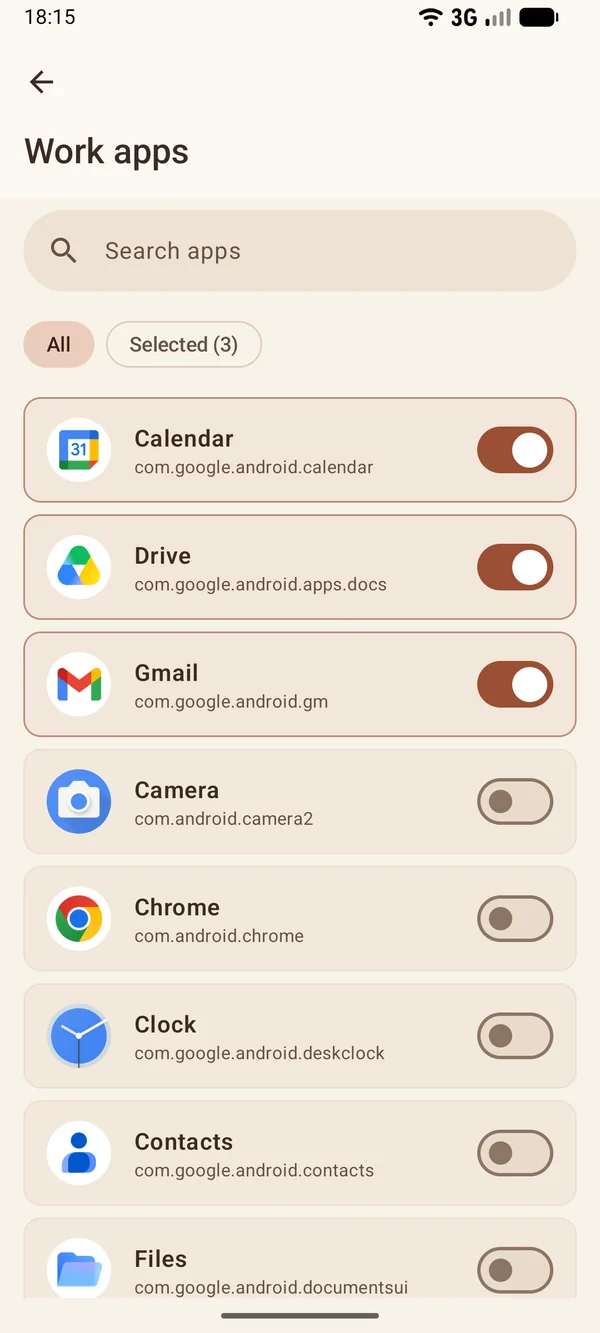
Your work apps
Your work email and team chat, for example. The other apps stay as they are.
Some apps count how much you work and how well you focus. Nothing counts your evenings and weekends, and one work notification is enough to take a piece of them. Tell Unclock when you work: outside those hours it pauses your work apps and counts the free time you keep. Messages and calls come in as usual.
It's free with no ads, needs no account and doesn't use the internet. Requires Android 9 or newer.
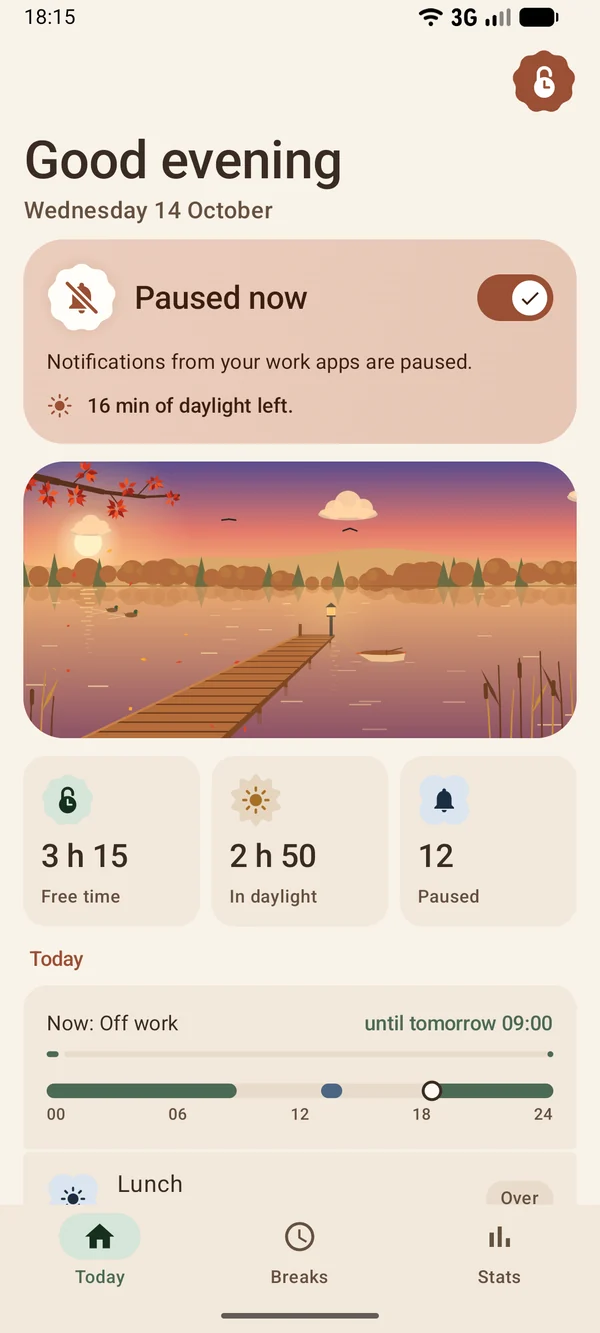
 The scene follows the time of day.

Your work email and team chat, for example. The other apps stay as they are.
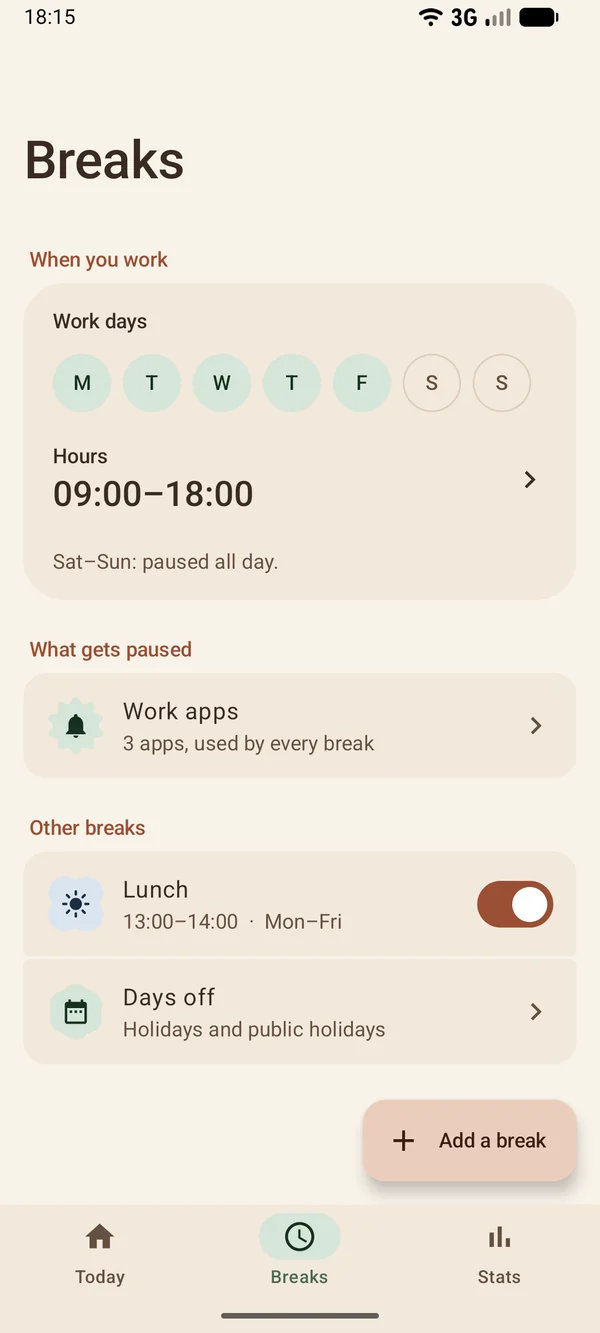
Days and hours. The rest of the week is a break. Add lunch or another break if you like.
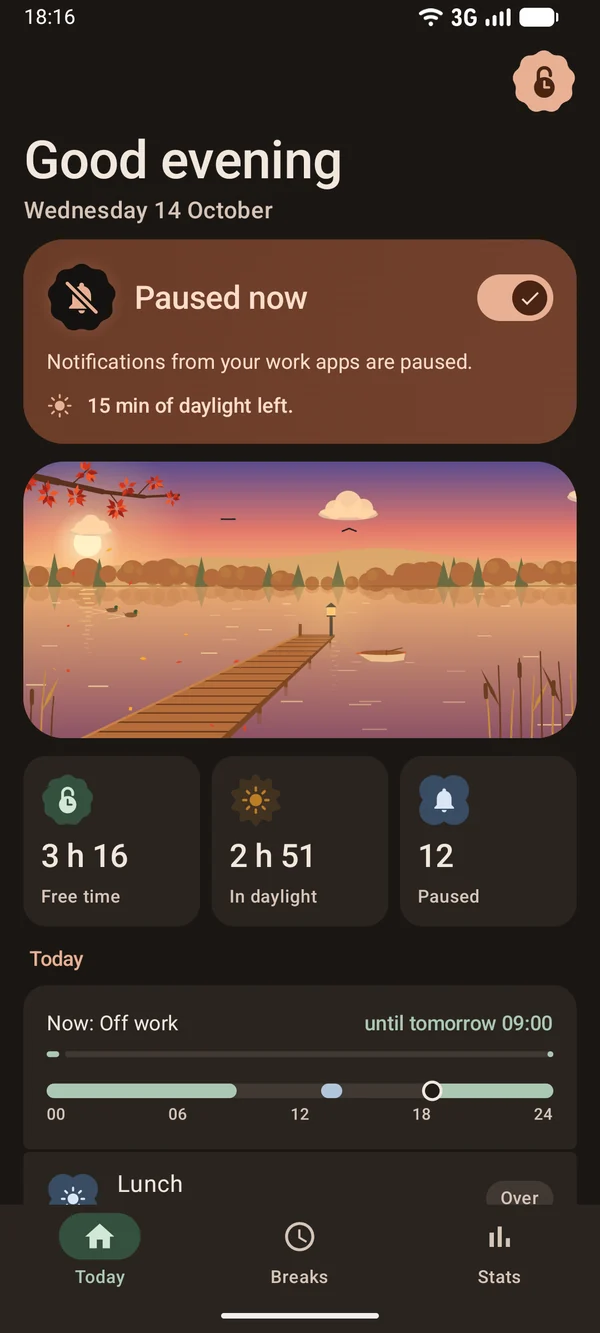
During a break, notifications from your work apps disappear as soon as they arrive.
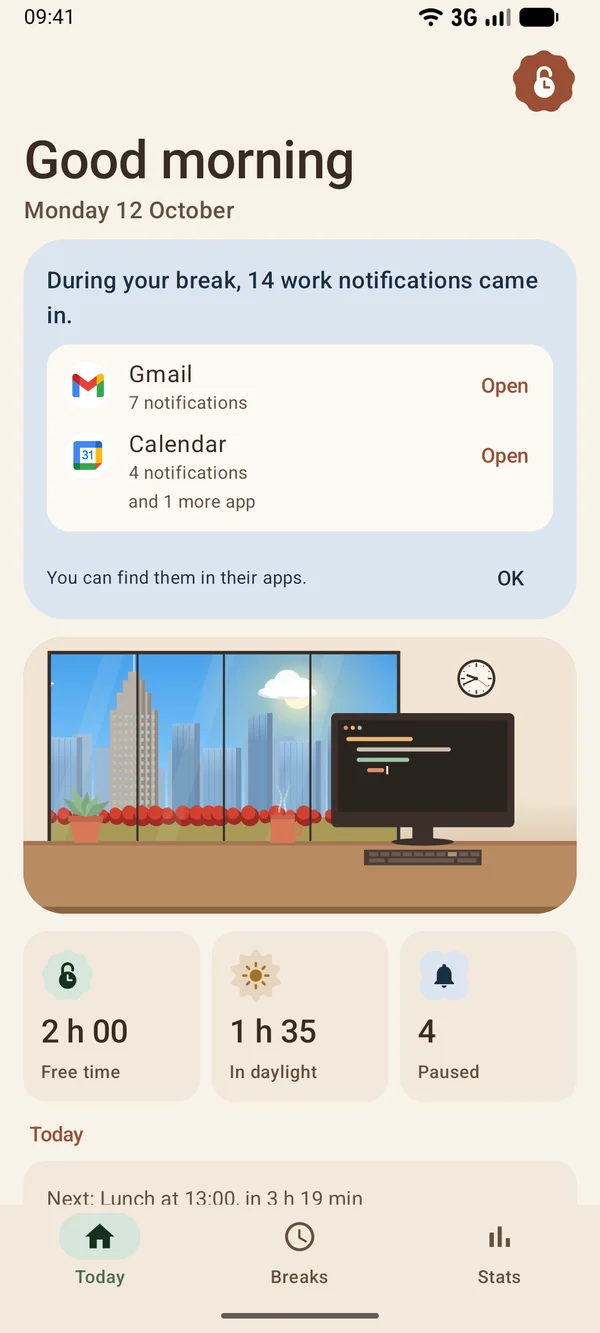
Unclock tells you how many notifications it paused and from which apps. You open them from there.
Below is a sample day. Square icons are work apps, round ones aren't. Move the start and end of work and see which notifications get paused.
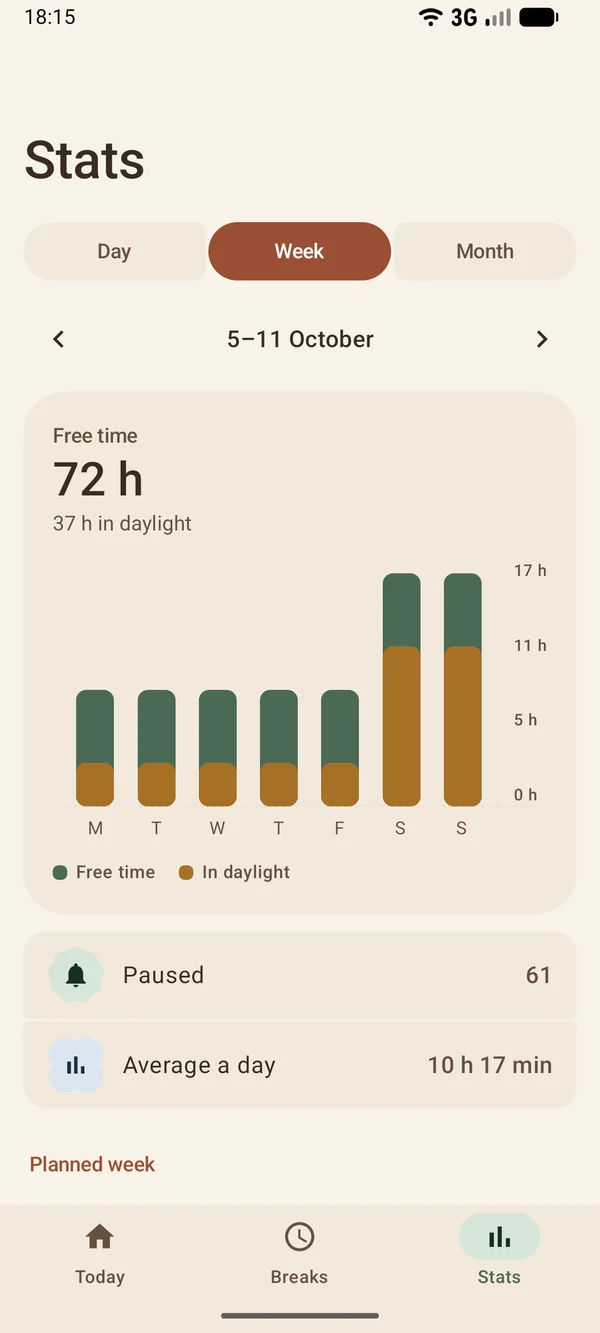
For each day, week and month you see how much free time you had and how much of it was in daylight, because Unclock works out sunrise and sunset. You also see how many work notifications stayed out. Sleep doesn't count: you set its hours.
There are no streaks to keep and no goals to reach. If you work one evening, that day counts fewer hours and the total stays where it was. Unclock sends no reminders to get you to open it.
If you finish early, pause work right away, for as long as you choose.
Holidays and long weekends by date. Italian public holidays can be added automatically, if you want.
If you need work, tap "End the pause" in Unclock's notification and notifications come back until the next break.
The home screen widget shows your break and starts a one-hour one. The Quick Settings tile turns Unclock on and off.
To work, Unclock needs notification access, which you give it in Android settings.
It needs that to decide whether to pause the notification. It looks at nothing else.
The title and text stay in the app that sent the notification. Unclock doesn't read or store them.
It has no permission to connect, so nothing leaves your phone. I can't see your data either.
Switch off the access in settings. If you uninstall the app, the little it stores goes too: your chosen apps, your hours, and the counts of free time and paused notifications.
Android only lets apps with this access remove other apps' notifications. You turn it on in settings and can turn it off anytime. Unclock only checks which app sent the notification.
No. Unclock removes them as soon as they arrive and doesn't show them again. The emails, messages and events stay in their apps. When the break ends, Unclock tells you how many there were and from which apps.
No. Messages, calls, alarms and the apps you didn't pick work as before. Unclock doesn't turn on Do Not Disturb.
You pick the days you work and one set of hours for them. The other days are a break all day. You can add more breaks with their own days and hours, lunch for example, and each one can have its own apps.
Only one, silent and optional, while a break is on: it says when the break ends and lets you end it. No reminders to get you to open the app.
It's free, with no ads and no purchases. It only works on Android, from version 9. On iPhone an app can't remove other apps' notifications.
Soon. Before publishing it, I'm having it tested by people who will really use it. If you'd like to take part, join the test here.

You join the test in three steps with your Google account, no form to fill in.
I want to try it